Blog
SFM Compile Made Simple: Turn Your 3D Models Into Working SFM Files

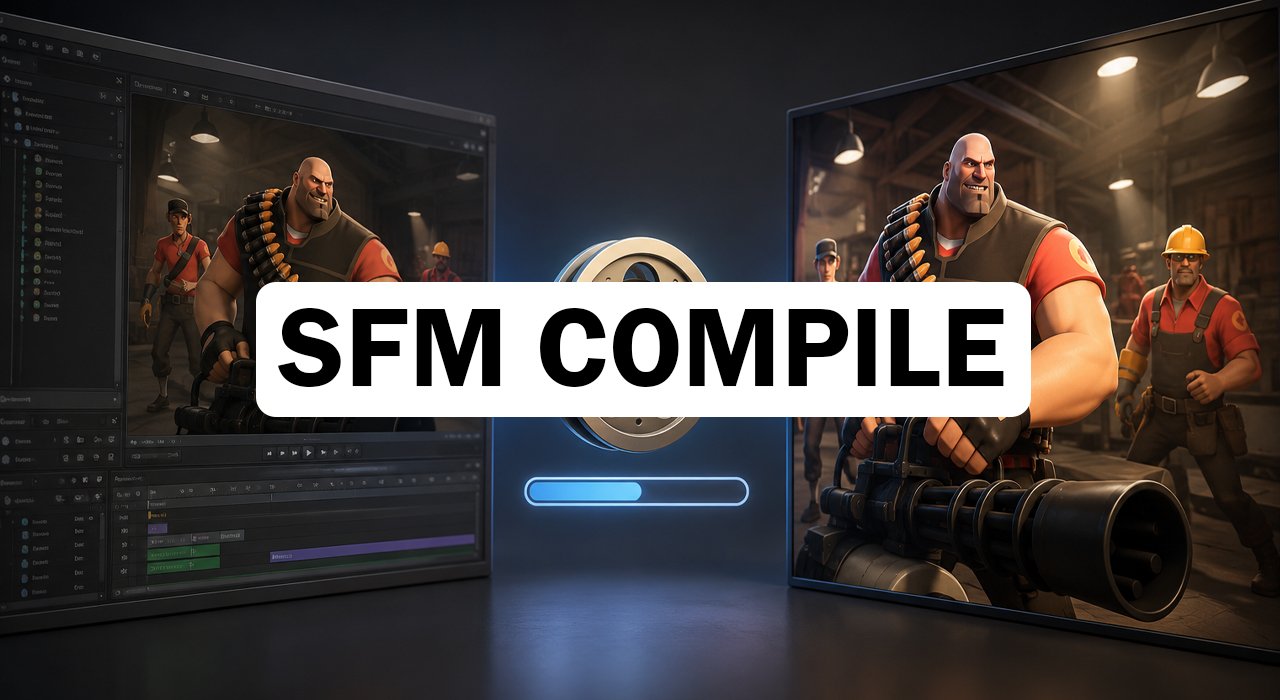
SFM Compile is the step that turns a raw 3D model into a file Source Filmmaker can actually open and animate. If you have ever dropped a Blender model into SFM and watched it vanish or show up as a pink and black checkerboard, this process is what you were missing. Source Filmmaker runs on Valve’s Source Engine, and that engine only reads its own special file types. Compiling translates your model into that language so it loads cleanly, keeps its textures, and moves the way you expect. This guide breaks the whole thing down in plain steps, from the tools you need to the errors that trip up almost every beginner.
What Is SFM Compile?
SFM Compile converts everyday 3D files, such as OBJ, FBX, or SMD, into the formats the Source Engine understands. The engine cannot read raw model files directly, so the compiler bundles your mesh, textures, bones, physics, and animation into a single package. The main output is an MDL file, along with supporting VVD, VTX, and PHY files that handle geometry and collision.
Think of it as translation between two languages. Your original model speaks one format, and Source Filmmaker speaks another. The compiler reads a set of instructions from a QC script and produces the finished files. Without this step, custom characters and props simply will not appear inside your scenes.
Why SFM Compile Matters
Source Filmmaker was built by Valve as an internal tool for making Team Fortress 2 shorts, so its entire pipeline expects assets to be compiled first. A model that looks perfect in Blender can crash or disappear the moment you add it to SFM without compiling. Every custom asset, whether a character, a weapon, or a background piece, has to pass through this stage before the engine accepts it.
Compiling also improves performance. The finished files are optimized for real time rendering inside the viewport, which keeps your editing smooth. Proper compilation protects your textures, keeps physics working, and stops the crashes that come from unstructured data. Skip it, and you invite missing textures, broken rigs, and wasted hours.
Tools You Need for SFM Compile
You do not need expensive software to start. Most creators build their models in Blender because it is free and has strong Source Engine plugins. Paid options like 3ds Max and Maya cost around $1,700 per year, so they are usually reserved for professional pipelines. For writing and editing QC scripts, a solid text editor like Notepad++ works well thanks to line numbers and syntax highlighting.
The compiler itself is Valve’s studiomdl.exe, which already ships inside your SFM installation under the bin folder. It runs from the command line. If you prefer a friendly interface, Crowbar wraps studiomdl in a visual tool that shows errors in plain text and handles batch jobs. Beginners almost always start with Crowbar because it removes the command line guesswork.
How to Compile a Model Step by Step
The process follows a clear order once you understand the parts. Here is the basic workflow most creators use:
- Export your model from Blender or Maya as SMD or DMX files.
- Write a QC file that lists the model name, material folder, and animation references.
- Run the compile using studiomdl through the command line, or open Crowbar, set your game directory, browse for the QC file, and click compile.
- Check the log for green success text or any error messages.
- Copy the finished files, the MDL, VTX, VVD, and materials, into your SFM usermod folder.
- Open Source Filmmaker, refresh the asset browser, and drag your model into the scene.
The QC file is the heart of the job. It tells the compiler where to find your geometry, how to name the output, and which textures to load. Most creators keep polygon counts below 60,000 triangles per model to protect performance. Comment your QC files generously so you can spot mistakes fast.
Common SFM Compile Errors and Quick Fixes
The most famous problem is the purple and black checkerboard, which means your texture paths are broken. Fix it by checking the $cdmaterials line in your QC file against your real folder structure. In fact, texture path issues cause the large majority of failed compiles, so test one material before compiling everything.
Other errors follow familiar patterns. Wrong scale values make a model invisible or absurdly large, so double check your units. Rig mistakes stop bones from responding in the timeline, and corrupted outputs often crash SFM on load. The good news is that the compiler log points to the exact QC line at fault, so read it carefully instead of guessing.
Tips for a Clean Compile
Organization saves the most time. Keep your scripts, textures, and geometry in separate, clearly named folders so file paths never get confused during a compile. Use forward slashes consistently, and match your paths exactly to the SFM folder structure.
Start small before tackling big projects. Compile a simple prop with one texture first so you can practice QC scripting without fighting bones and animations at the same time. Save the QC settings that produced clean results, then reuse them as templates for future models.
Conclusion
SFM Compile feels intimidating at first, but it is really just translation with a checklist. Once you learn the tools, write a clean QC file, and read your logs, your models will load correctly every time. Start with a simple prop, keep your folders tidy, and let each compile build your confidence.
Frequently Asked Questions
What does SFM Compile do?
It converts raw 3D models into MDL files and support files that the Source Engine reads, so Source Filmmaker can load and animate them.
Do I need coding skills to compile in SFM?
No. Basic compiling only needs a QC script and a tool like Crowbar. Coding helps with advanced automation, but beginners can skip it.
Why do my compiled models show purple and black textures?
That checkerboard means your texture paths are broken. Fix the $cdmaterials line in your QC file to match your real material folders.
Which tool is best for beginners?
Crowbar is the easiest choice because it gives a visual interface and shows compile errors in clear, readable text.
Does SFM Compile support Source 2?
No. Source Filmmaker runs on the original Source Engine, so compiled models use MDL format, not Source 2 assets.
Hungry for more? Check out the latest updates at Cyber Que


INS Full Form Explained: What Does INS Really Mean?

What Does “Faccccccccccccc” Mean? The Viral Internet Word Explained

What Is FedEx Trip Buddy? A Simple Guide for Linehaul Drivers

What Is a Fonendi? Simple Guide to the Stethoscope Doctors Use

What Is Acamento? The Simple Meaning Behind This New Word

What Is Nionenad? A Simple Guide to This New Internet Word

Best Tarta de Espinaca Near Me: A Simple Guide for Spinach Pie Lovers

Koi Fish: What They Are and Why People Love Them

Ketchum, Idaho: A Small Mountain Town With Big Adventures

Pinoroduct Com Review: Is This Online Shop Safe to Use in 2026?

Cadibara vs Capybara: What’s the Real Difference?

Authorised Medical Attendant: Meaning, Role, and Why It Matters for You
Best Tarta de Espinaca Near Me: A Simple Guide for Spinach Pie Lovers
Koi Fish: What They Are and Why People Love Them
Ketchum, Idaho: A Small Mountain Town With Big Adventures
Pinoroduct Com Review: Is This Online Shop Safe to Use in 2026?
Cadibara vs Capybara: What’s the Real Difference?
Authorised Medical Attendant: Meaning, Role, and Why It Matters for You
-
 Food4 months ago
Best Tarta de Espinaca Near Me: A Simple Guide for Spinach Pie Lovers
-
 Food4 months ago
Koi Fish: What They Are and Why People Love Them
-
 Blog4 months ago
Ketchum, Idaho: A Small Mountain Town With Big Adventures
-
 Blog4 months ago
Pinoroduct Com Review: Is This Online Shop Safe to Use in 2026?
-
 Education4 months ago
Cadibara vs Capybara: What’s the Real Difference?
-
 Health4 months ago
Authorised Medical Attendant: Meaning, Role, and Why It Matters for You
-

 Blog4 months ago
What Does “Fkstrcghtc” Mean? The Strange Word Everyone Is Searching
-

 Technology4 months ago
Droven IO Cybersecurity Updates: Easy Guide to Staying Safe Online in 2026